
Flipnem exposes a built-in MCP server, which is a way of making your deck collection directly available to an AI agent like Claude. Once connected, the agent can browse your decks, read your cards, run reviews, and with the right permissions, build and manage decks on your behalf. See the AI Integration docs for setup instructions.
Once it's wired up, you can say things like "show me my Flipnem decks" from Claude Desktop on your laptop or Claude on your phone, and it just works.
Running Reviews
You can do your card reviews through Claude. It's limited to text-only cards.
It's an interesting experience and it blurs the flashcard metaphor a little.
For poetry and recitation-type memorization it's actually quite effective, because you have to type (or say) the lines. That's closer to real recitation practice than tapping a rating button. For most other studying, though, I still prefer to do my reviews in the Flipnem app and use the AI for building and maintaining decks.
Quick-Hit Deck Creation
My new workflow for random interesting things I want to remember:
- Find an article or page worth remembering
- Tell Claude: "Can you read this website <paste> and make me a small deck so I can remember the details?"
- Done
For example: this article about a teen finding a Viking treasure hoard.
One nice thing Claude did unprompted for the Viking Hoard of Rügen deck was to create a Source Note:
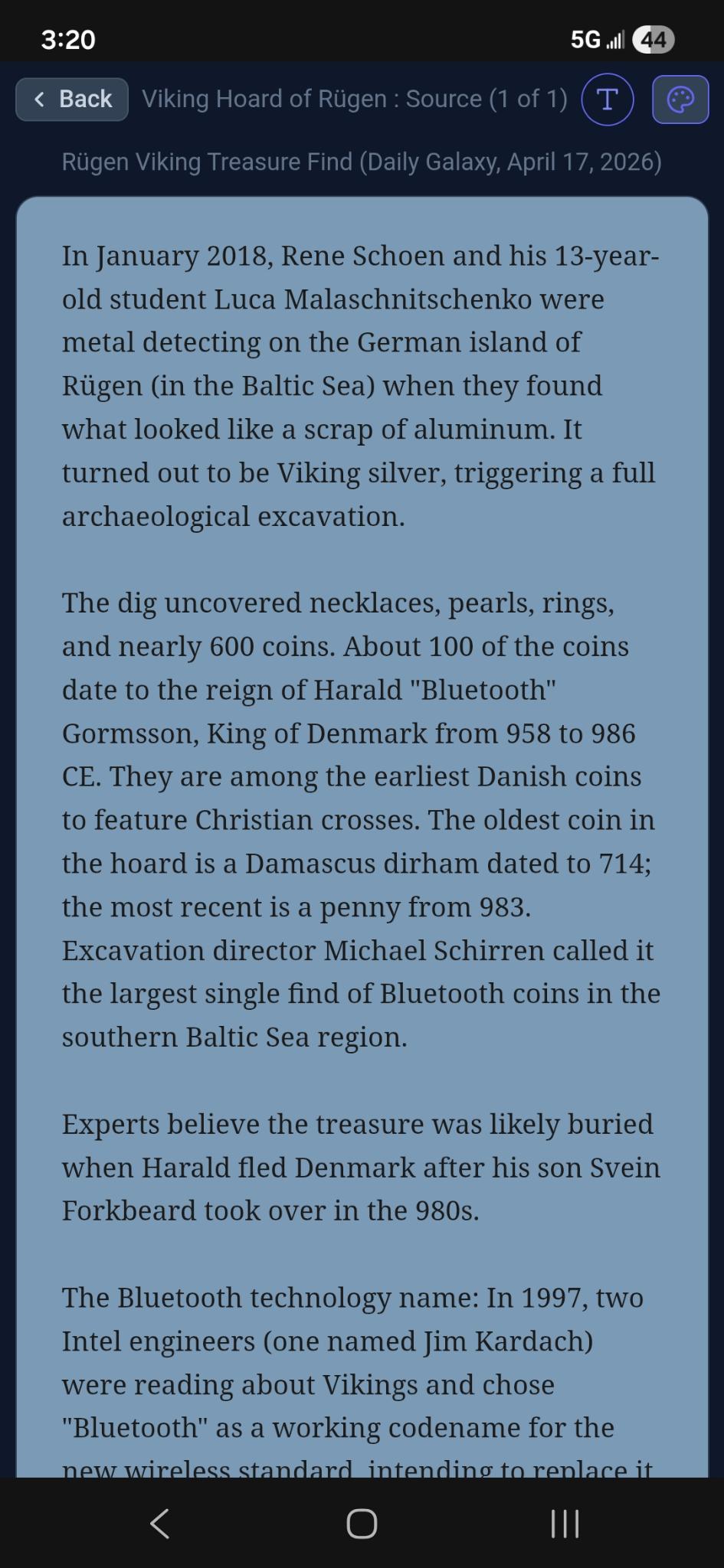
I later couldn't find the original article, but there it was in the title of the source note. Nice work, Claude.
Updating Cards on the Fly
Claude's ability to quickly modify cards is quite useful: for example while studying the Viking Hoard deck on my phone I realized that one card should really have been two.
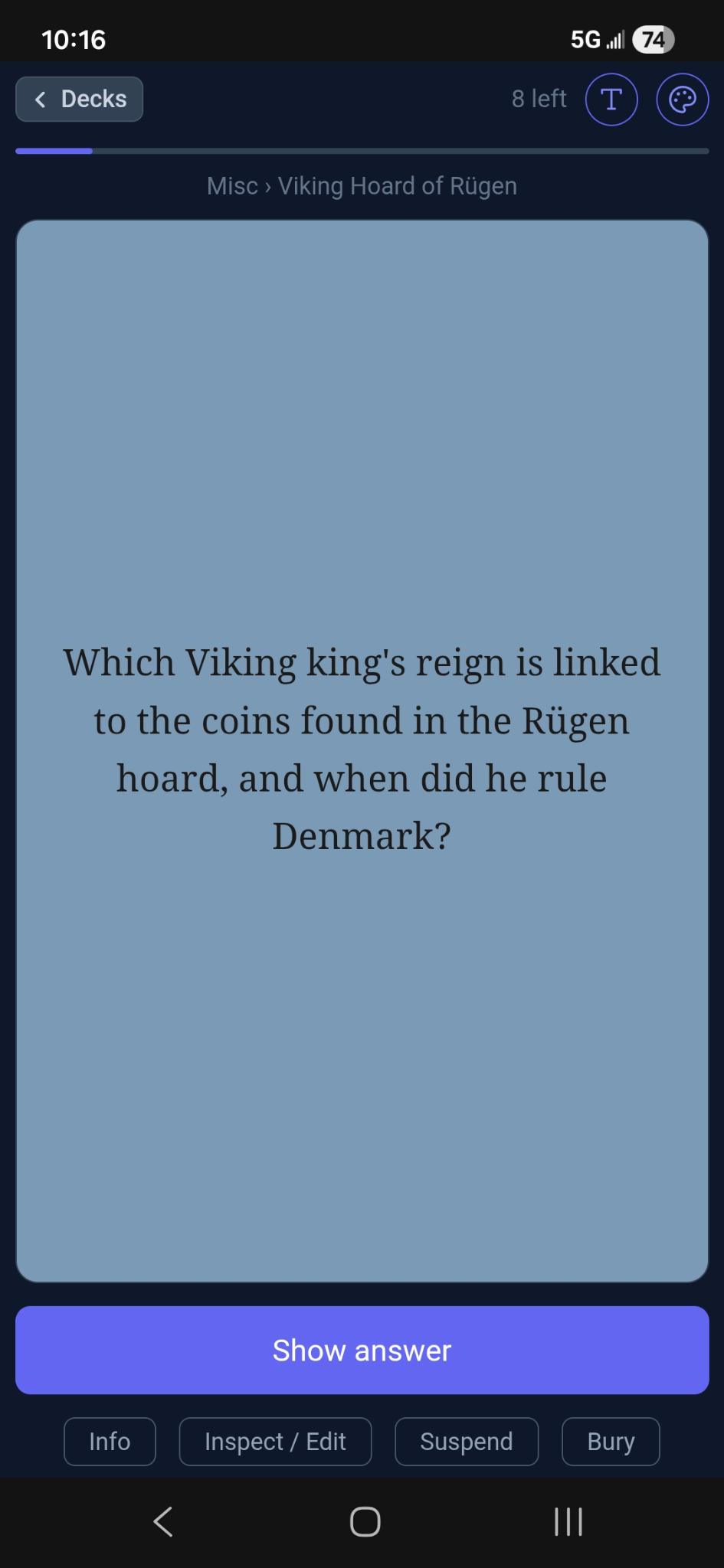
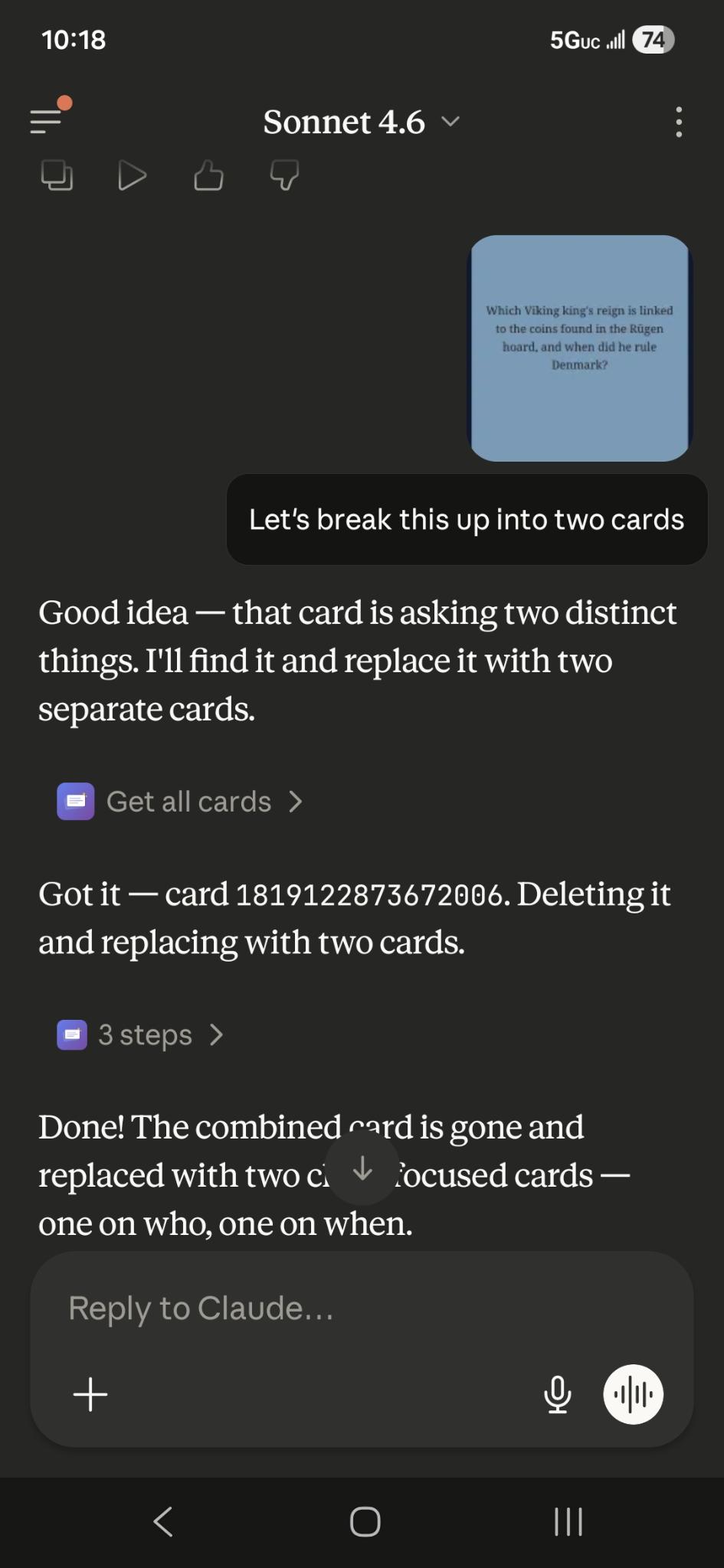
I take a screenshot, pull it into Claude on the same phone, and ask it to fix it. The card is transformed into two cards in 20 seconds.
Limiting the MCP agent
AI is all well and good until it bleeps and bloops and nukes something important. Here's how the permission model is structured to try and prevent that.
Quizmaster mode (default)
Once you connect your agent to the Flipnem MCP, it has read-only access by default. It can list your decks, read your cards, and run reviews. We've been calling this "Quizmaster mode." It's a good place to start, and many people never need to go further.
AI-managed decks
When you're ready to let the agent write, open any deck's ⋯ menu → Deck Details and enable Agent managed. The agent then has full access to that deck and all its sub-decks: it can create sub-decks, add and edit cards, and create Source Notes from material you give it.
I'd recommend starting here rather than jumping straight to global permissions. Pick one deck, let the agent work on it, and get a feel for how it behaves before widening the scope.
AI-managed decks also have a dedicated AI Instructions field, a free-text field the agent reads at the start of every session. Useful for persistent instructions and preferences that should carry forward automatically. The agent can update this field itself, which means mid-session tweaks you agree on get remembered without you having to manage it.
Global agent permissions
Once you're comfortable with how the agent behaves, you can grant broader
permissions under Settings → Agent Permissions.
The principal option worth thinking about is Mark decks as AI-managed.
This lets the agent enable the AI-managed flag on any deck you ask it to, rather than requiring you to do it manually first.
Scary, right?
But in practice it's fine and quite useful once you trust the agent's behavior.
Safety nets
A few guardrails are baked in regardless of permission level:
- Soft delete. All deck deletes go to a 30 day archive state (by default). This is the only way
the AI can delete decks, so you can restore them from the Deleted Decks page if needs be.
Note: card deletions are permanent, so there is still some risk at the card level. - Encrypted and inactive decks are off-limits. The agent can't see or touch decks that are encrypted or marked inactive.
- Sam