
Deck Creation
Build flashcards with AI, or write them yourself
Flipnem's MCP integration lets any AI assistant read your decks and Source Notes, build sub-decks, populate cards, and even run your due cards as an interactive quizmaster. Prefer the browser editor? Write and edit cards by hand just as easily.
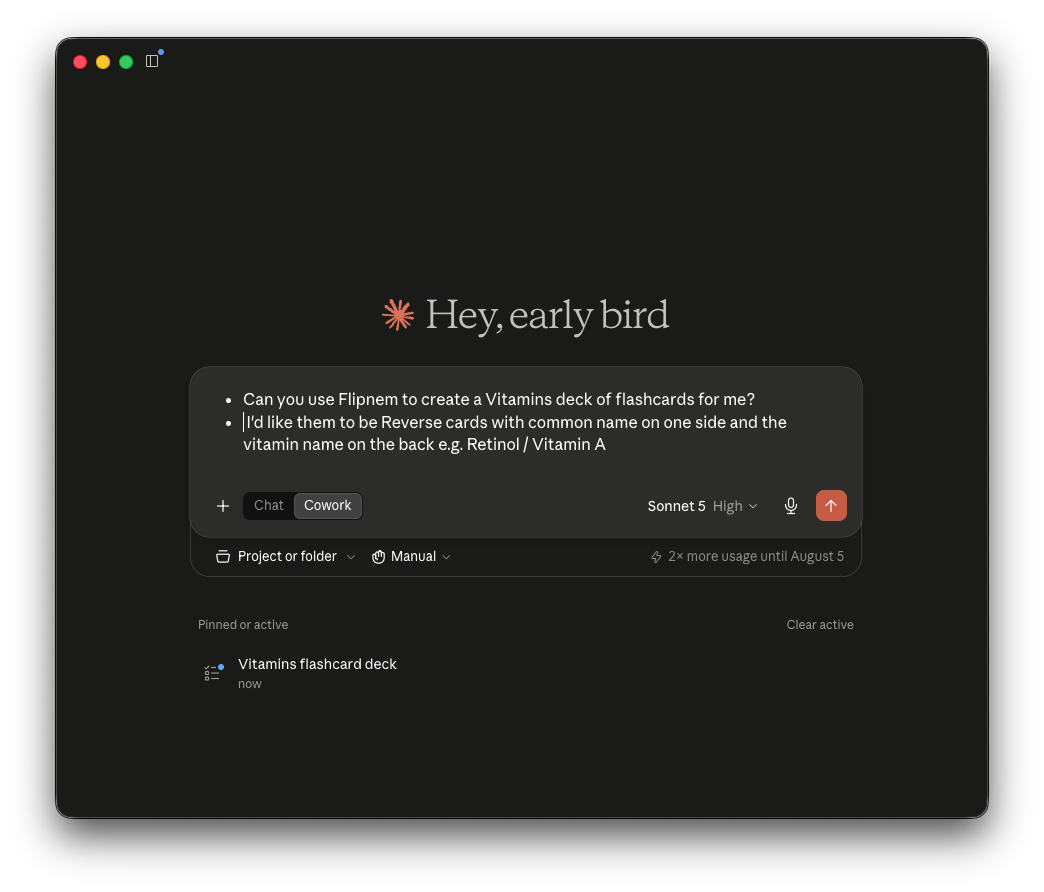
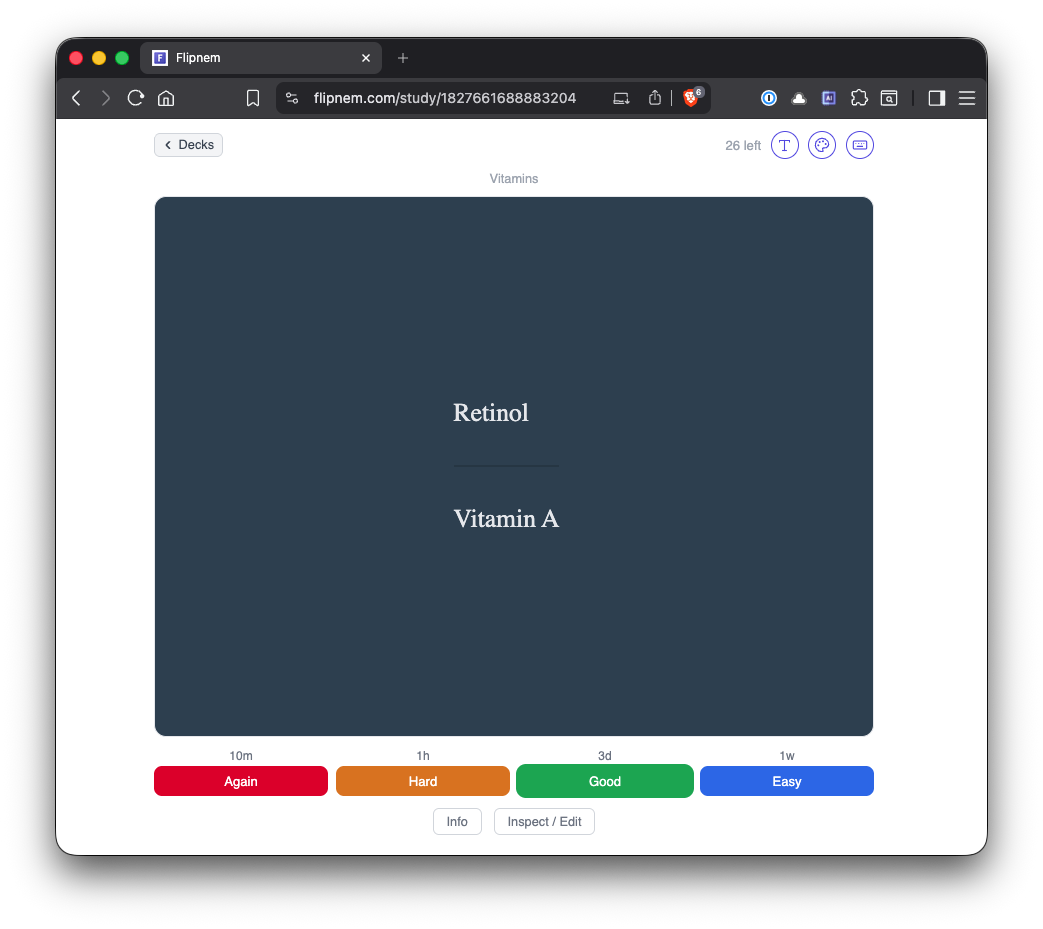
Ask for a deck — the cards are ready to study seconds later
Let AI do the heavy lifting Scholar+
Your decks, built and reviewed by AI
- Connect any MCP-compatible AI assistant to your Flipnem account
- It reads your decks and Source Notes and builds sub-decks from your material
- Populates cards to your preferences
- Runs your due cards as an interactive quizmaster — ratings go straight to FSRS
- Stores your mnemonic devices in the deck's memory and surfaces them as hints
Setup
Flipnem MCP setup is trivial. Contrast this with Anki, which requires running AnkiConnect locally and you managing the backend. See the full Flipnem vs Anki comparison.
Write your own cards
Full control, whenever you want it
- Create and edit cards right in the browser editor
- Inspect and tweak any card mid-session, then pick up right where you left off
- Add images to any card
- Rich Card Rendering brings math, code, tables, and more to life
Note types
A note type for every kind of card
Basic — the Anki Basic note type, a simple Front / Back card
Flipnem BasicDefault — adds a dedicated mnemonic field
Cloze — blank out key terms inside a sentence
Source Note — reference material, never scheduled for review
FAQ
Common questions
What AI assistants work with Flipnem's MCP integration?
Any MCP-compatible AI assistant — connect it once via OAuth and it can read and write to your decks directly.
Is AI deck creation free?
It's a Scholar+ feature. Every new account gets a 15-day Scholar trial to try it.
How is this different from Anki's AnkiConnect?
Anki's approach requires installing the AnkiConnect add-on and running a local server. Flipnem's MCP server is hosted — you add a URL and authenticate once via OAuth, nothing to install.
Can the AI actually quiz me, not just build decks?
Yes — it can run your due cards as an interactive quizmaster, presenting the front, waiting for your answer, and submitting your rating straight to FSRS.
Do I have to use AI, or can I still build decks by hand?
Both work side by side. Write and edit cards yourself in the browser editor any time, whether or not you also use an AI assistant.
Get started
Own your learning destiny
Free to start — every new account gets a 15-day Scholar trial, no card required.