
Deck Encryption
Your most sensitive knowledge, locked tight
Social security numbers, account passwords, passkeys, credit card details, emergency PINs — these are exactly the kind of high-stakes facts that benefit most from spaced repetition, yet they're the last things you'd want exposed in a plain-text deck. Encrypted decks let you study them without compromise.
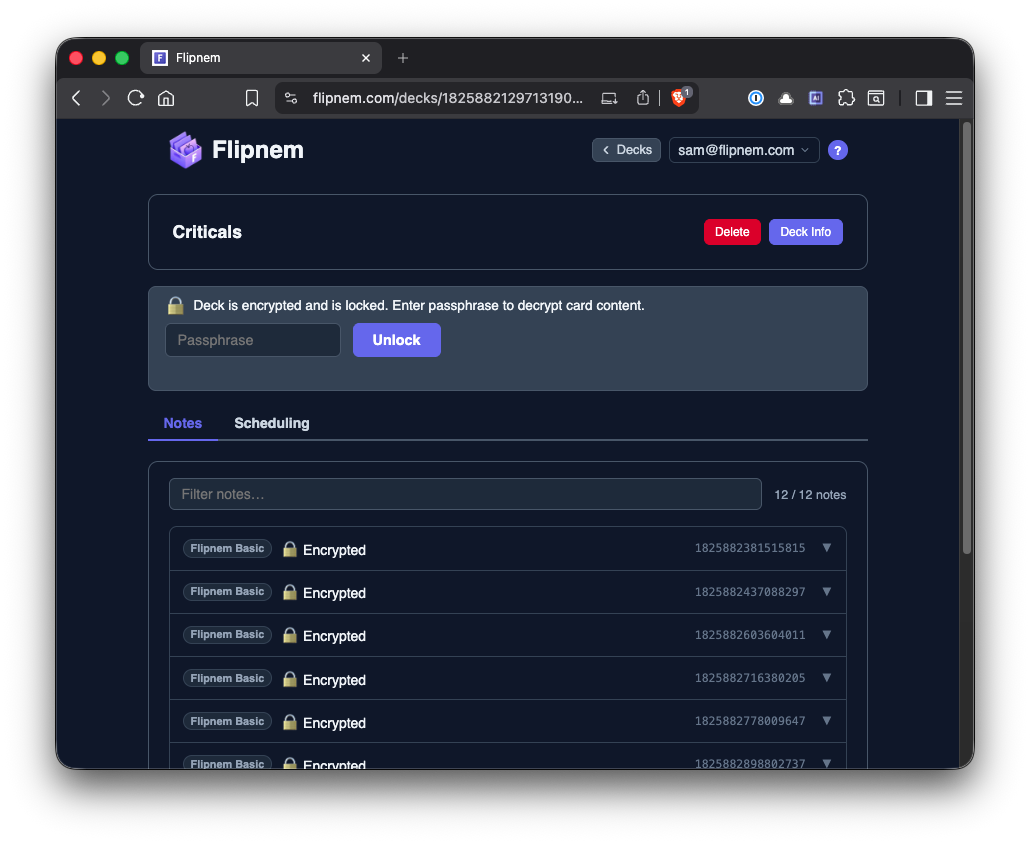
Decrypted in your browser only after you enter the passphrase
How it works
Set it once, study without a second thought
Set a passphrase
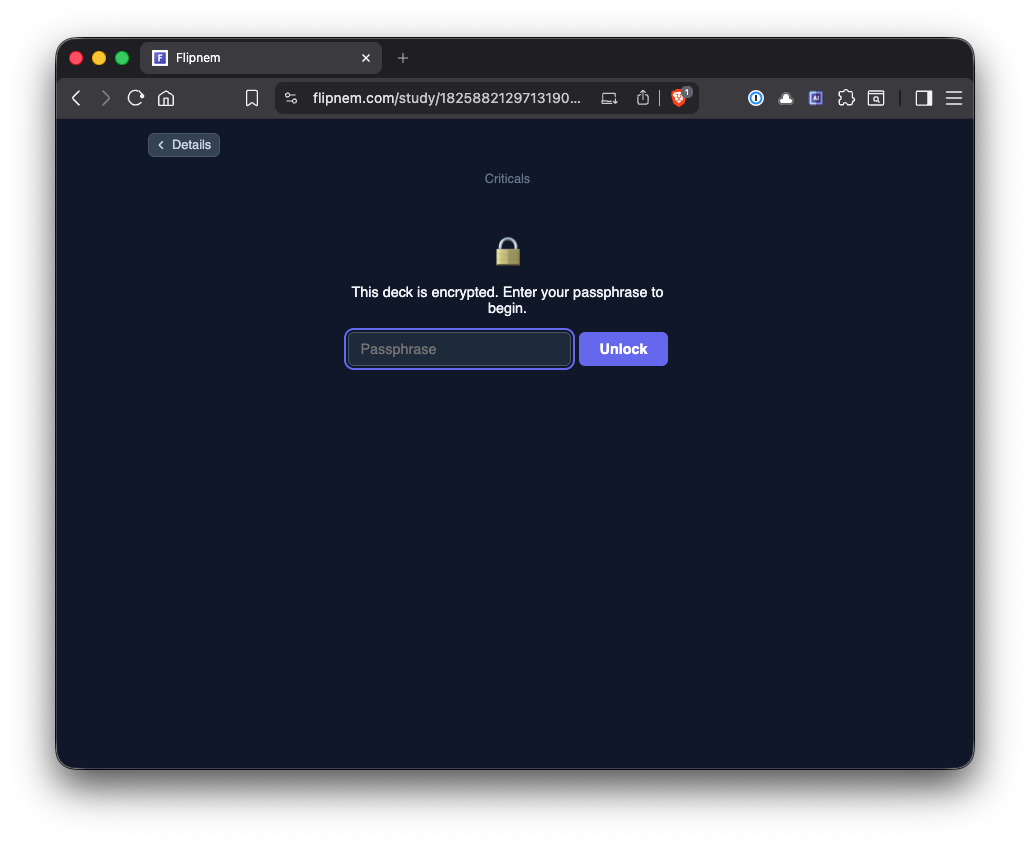
When creating or editing a deck, enable encryption and choose a passphrase. It never leaves your device.
Study like normal
Cards are decrypted in-browser on the fly — the study experience is identical to any other deck.
Rest easy
Even if your account were ever compromised, encrypted deck contents are unreadable without the passphrase. Your sensitive material stays yours.

What's protected
Real encryption, guarded at every layer
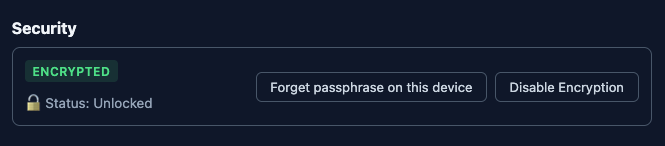
- Deck contents are encrypted with a passphrase only you know — Flipnem never sees it
- PBKDF2-derived keys make each brute-force guess computationally expensive, so a strong passphrase is effectively uncrackable with today's hardware
- Cards stay fully encrypted at rest; they're decrypted in your browser only after you unlock the deck
- Encryption status is visible in your deck library so you always know what's protected
- Redundant guards and integrity checks exist at both the database and API layers to keep protection consistent
FAQ
Common questions
What happens if I forget my passphrase?
Your deck contents can't be recovered. Flipnem never stores or sees your passphrase, so there's no reset — write it down somewhere safe.
Is deck encryption available on the free plan?
Encryption is a Scholar feature. Every new account gets a 15-day Scholar trial to try it out.
How is my passphrase actually used to protect the deck?
It derives an encryption key via PBKDF2, which makes brute-force guessing computationally expensive. Cards are decrypted in your browser only after you unlock the deck with it.
Can I tell which of my decks are encrypted?
Yes — encryption status is shown right in your deck library.
Get started
Protect your most sensitive decks
Free to start — every new account gets a 15-day Scholar trial, no card required.